


Clone, run, and explore this sample
This sample demonstrates integrating applications into an Aspire app via Dockerfiles and container-based builds. This is especially helpful to integrate applications written in languages that Aspire does not have a native integration for, or to reduce the prerequisites required to run the application.
The entry point that composes every resource and dependency in this sample's distributed application.
#:sdk Aspire.AppHost.Sdk@13.6.0
using Microsoft.Extensions.Hosting;
var builder = DistributedApplication.CreateBuilder(args);
var goVersion = builder.AddParameter("goversion", "1.25.4", publishValueAsDefault: true);
IResourceBuilder<ContainerResource> ginapp;
if (builder.ExecutionContext.IsPublishMode){    // Production build: multi-stage Dockerfile for optimized image    ginapp = builder.AddDockerfile("ginapp", "./ginapp")        .WithBuildArg("GO_VERSION", goVersion);}else{    // Development build: use Air for hot reload with bind mount    ginapp = builder.AddDockerfile("ginapp", "./ginapp", "Dockerfile.dev")        .WithBuildArg("GO_VERSION", goVersion)        .WithBindMount("./ginapp", "/app");}
ginapp    .WithHttpEndpoint(targetPort: 5555, env: "PORT")    .WithHttpHealthCheck("/")    .WithExternalHttpEndpoints()    .WithOtlpExporter()    .WithDeveloperCertificateTrust(trust: true);
if (builder.ExecutionContext.IsPublishMode){    ginapp        .WithEnvironment("GIN_MODE", "release")        // Trust all proxies when running behind a reverse proxy. If deploying to an environment        // without a reverse proxy that ensures X-Forwarded-* headers are not forwarded from clients,        // this should be removed.        .WithEnvironment("TRUSTED_PROXIES", "all");}
builder.Build().Run();
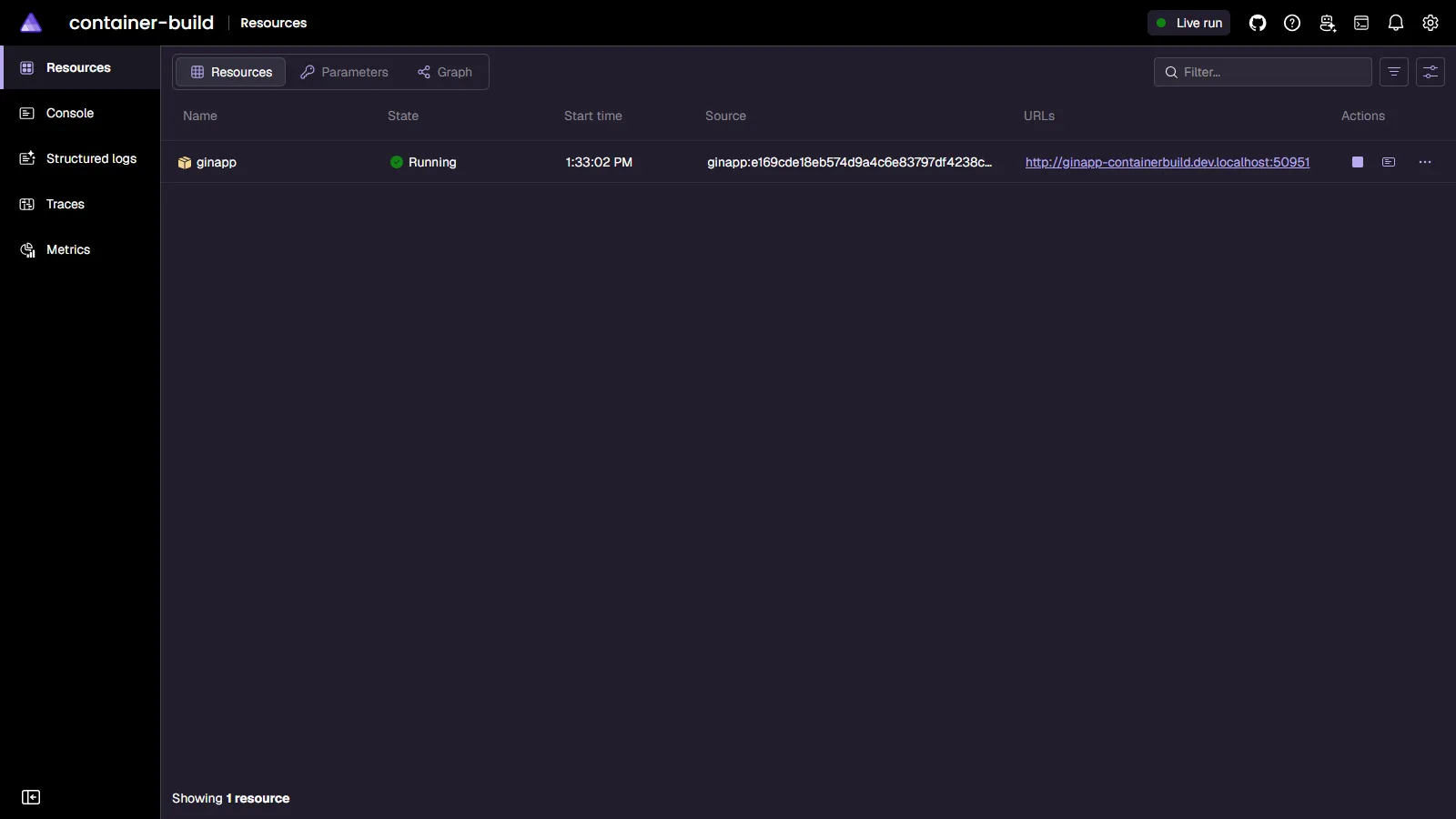
The sample integrates a simple app written using Go and the Gin Web Framework by using a Dockerfile:
ginapp: This is a simple "Hello, World" HTTP API that returns a JSON object like
{ "message": "Hello, World!" }from/and sends OpenTelemetry instrumentation to the Aspire dashboard.
Development features
Section titled Development featuresThis sample includes hot reload for local development! The Go application uses:
Bind mounts - Your local source code is mounted directly into the container at
/appAir - A live reload tool for Go that watches for file changes and rebuilds automatically
Polling-based file watching - Configured to work reliably with Docker bind mounts on Windows
When you edit any .go file in the ginapp directory, Air automatically detects the change, rebuilds the Go binary, and restarts the app in just a few seconds—without rebuilding the entire container. This provides a much faster development feedback loop compared to full container rebuilds.
How it works
Section titled How it worksDevelopment mode (default): Uses
Dockerfile.devwith Air for hot reloadSource files are bind-mounted from your local machine
Changes to
.gofiles trigger automatic rebuildsDependencies are resolved on-demand via
go get
Production mode (
aspire publish): Uses the standardDockerfileMulti-stage build for optimized images
No bind mounts or development tools
Minimal runtime container based on distroless images
Pre-requisites
Section titled Pre-requisitesRunning the app
Section titled Running the appIf using the Aspire CLI, run aspire run from this directory.
If using VS Code, open this directory as a workspace and launch the apphost.cs file using either the Aspire or C# debuggers.
If using the .NET CLI, run dotnet run apphost.cs from this directory.
From the Aspire dashboard, click on the endpoint URL for the ginapp resource to see the response in the browser.
Sample screenshots
Select the image to zoom in.
 Aspire