


Clone, run, and explore this sample
This sample demonstrates integrating a FastAPI (Python) app and a JavaScript frontend using Aspire.
AppHost
The entry point that composes every resource and dependency in this sample's distributed application.
#:sdk Aspire.AppHost.Sdk@13.6.0#:package Aspire.Hosting.JavaScript@13.6.0#:package Aspire.Hosting.Python@13.6.0#:package Aspire.Hosting.Redis@13.6.0
var builder = DistributedApplication.CreateBuilder(args);
var cache = builder.AddRedis("cache");
var app = builder.AddUvicornApp("app", "./app", "main:app")    .WithUv()    .WithExternalHttpEndpoints()    .WithReference(cache)    .WaitFor(cache)    .WithHttpHealthCheck("/health");
var frontend = builder.AddViteApp("frontend", "./frontend")    .WithReference(app)    .WaitFor(app);
app.PublishWithContainerFiles(frontend, "./static");
builder.Build().Run();
The sample consists of two apps:
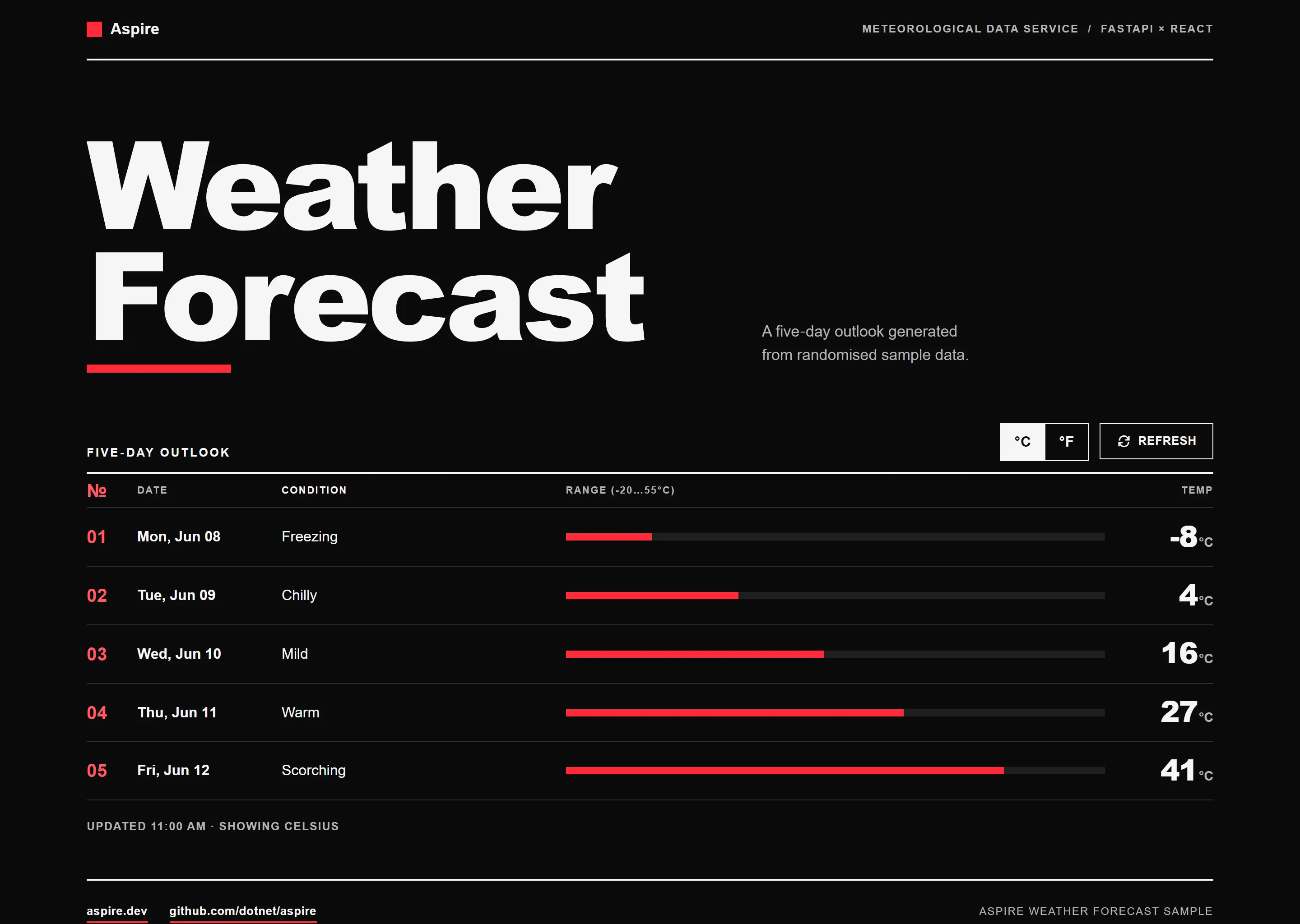
app: This is a simple FastAPI-based Python app that returns randomly generated weather forecast data.
frontend: This is a Vite-based React app that renders the weather forecast data.
Prerequisites
Section titled PrerequisitesRunning the app
Section titled Running the appIf using the Aspire CLI, run aspire run from this directory.
If using VS Code, open this directory as a workspace and launch the apphost.cs C# file using either the Aspire or C# debuggers.
Preview
Sample screenshots
Select the image to zoom in.
 Aspire