


Clone, run, and explore this sample
This is a simple .NET app that shows how to use Orleans with Aspire orchestration.
The entry point that composes every resource and dependency in this sample's distributed application.
var builder = DistributedApplication.CreateBuilder(args);
var redis = builder.AddRedis("voting-redis");
var orleans = builder.AddOrleans("voting-cluster")    .WithClustering(redis)    .WithGrainStorage("votes", redis);
builder.AddProject<Projects.OrleansVoting_Service>("voting-fe")    .WithReference(orleans)    .WaitFor(redis)    .WithReplicas(3)    .WithExternalHttpEndpoints()    .WithUrlForEndpoint("https", u => u.DisplayText = "Voting App")    .WithUrlForEndpoint("http", u => u.DisplayLocation = UrlDisplayLocation.DetailsOnly)    .WithUrlForEndpoint("orleans-gateway", u => u.DisplayLocation = UrlDisplayLocation.DetailsOnly)    .WithUrlForEndpoint("orleans-silo", u => u.DisplayLocation = UrlDisplayLocation.DetailsOnly);
builder.Build().Run();
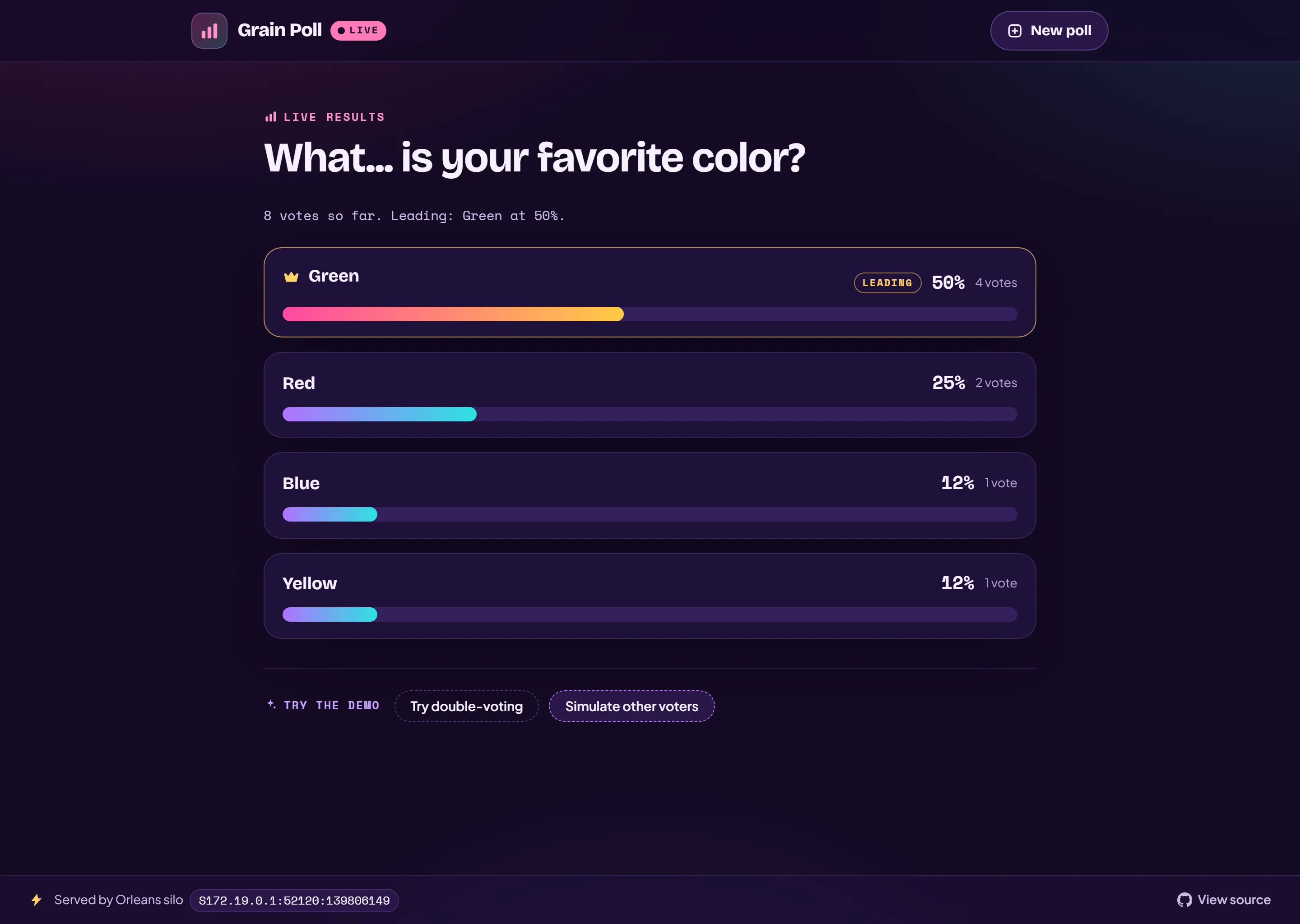
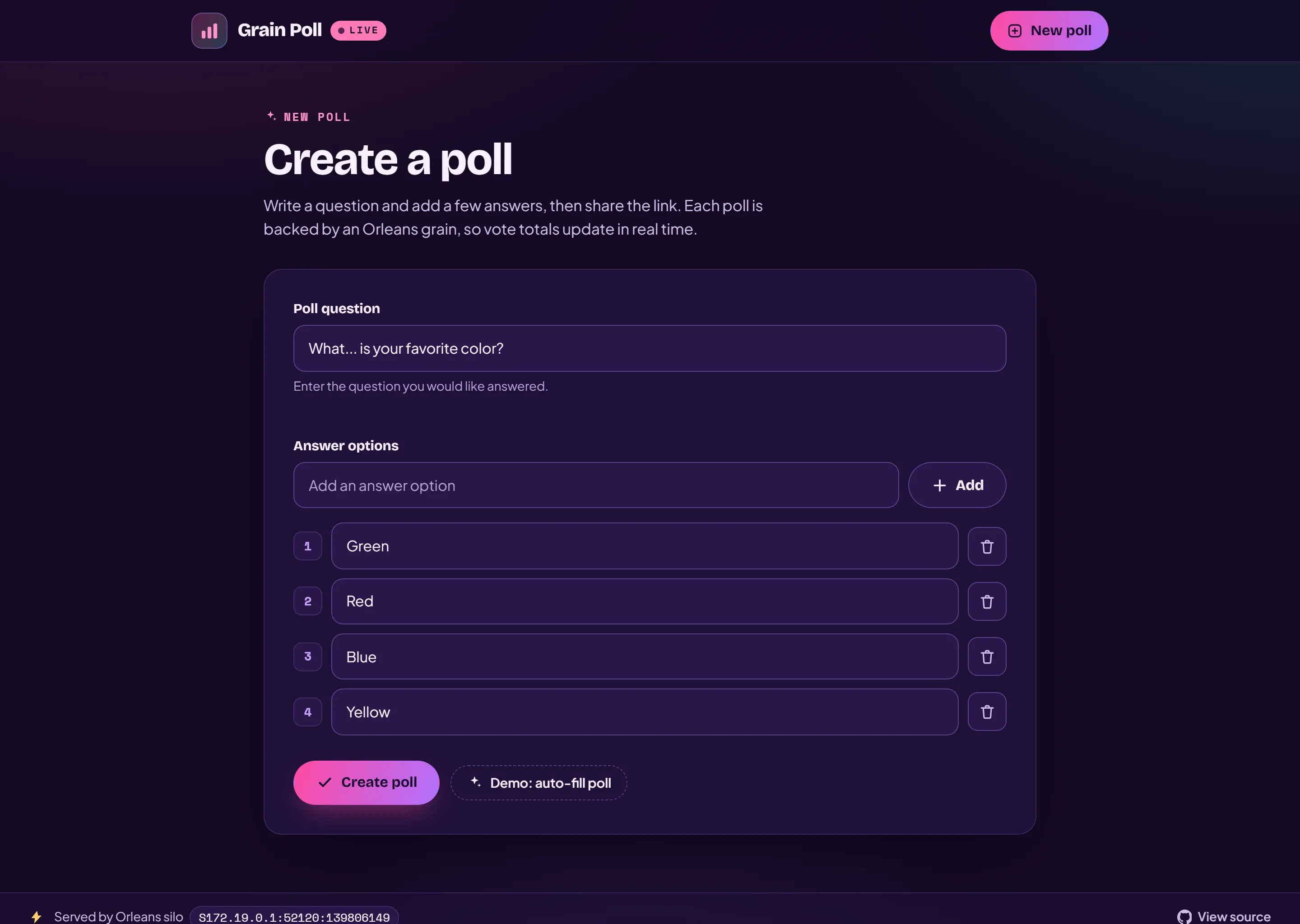
The voting frontend lets you create a poll, share its link, and vote on it. Vote totals are tracked by an Orleans grain and update in real time across every connected viewer. It supports both light and dark themes.
Create a poll, share the link, and watch the votes roll in:
Demonstrates
Section titled DemonstratesHow to use Aspire to work with Orleans
Sample prerequisites
Section titled Sample prerequisitesThis sample is written in C# and targets .NET 10. It requires the .NET 10.0 SDK or later.
Running the sample
Section titled Running the sampleIf using the Aspire CLI, run aspire run from this directory.
If using VS Code, open this directory as a workspace and launch the OrleansVoting.AppHost project using either the Aspire or C# debuggers.
If using Visual Studio, open the solution file OrleansVoting.slnx and launch/debug the OrleansVoting.AppHost project.
If using the .NET CLI, run dotnet run from the OrleansVoting.AppHost directory.
On the Resources page, click on one of the endpoints for the listed project. This launches the simple voting app.
In the voting app:
Enter a poll question, add some answer options, and click Create poll, or click Demo: auto-fill poll to auto-fill the poll.
On the poll page, click one of the poll options to vote for it.
The results of the poll are displayed. Click the Simulate other voters button to simulate other voters voting on the poll and watch the results update.
For more information about using Orleans, see the Orleans documentation.
Sample screenshots
Select an image to zoom in.
 Aspire