
Azure SignalR Service hub host integration
Konten ini belum tersedia dalam bahasa Anda.

There isn’t an official Aspire Azure SignalR client integration. However, there is limited support for similar experiences. In these scenarios, the Azure SignalR Service acts as a proxy between the server (where the Hub or Hub<T> are hosted) and the client (where the SignalR client is hosted). The Azure SignalR Service routes traffic between the server and client, allowing for real-time communication.
For an introduction to working with the Azure SignalR Service, see Get started with the Azure SignalR Service integration.
There are two packages available for, each with addressing specific scenarios such as managing the client connection to Azure SignalR Service, and hooking up to the Azure SignalR Service resource. To get started, install the 📦 Microsoft.Azure.SignalR NuGet package in the project hosting your SignalR hub.
dotnet add package Microsoft.Azure.SignalR#:package Microsoft.Azure.SignalR@*<PackageReference Include="Microsoft.Azure.SignalR" Version="*" />Configure named Azure SignalR Service in Default mode
Section titled “Configure named Azure SignalR Service in Default mode”In Default mode, your consuming project needs to rely on a named Azure SignalR Service resource. Consider the following diagram that illustrates the architecture of Azure SignalR Service in Default mode:
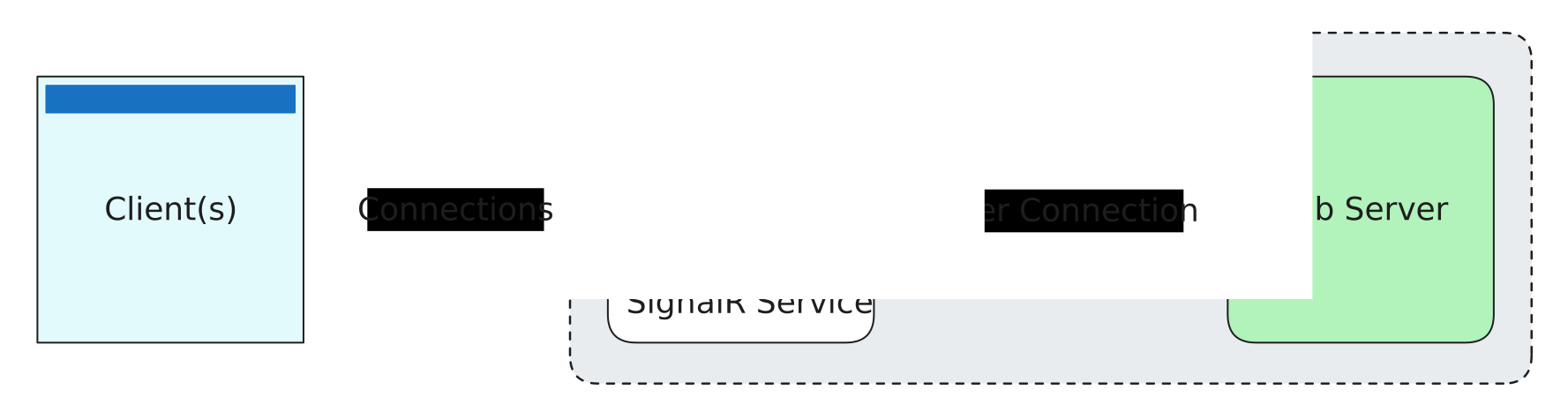
For more information on Default mode, see Azure SignalR Service: Default mode.
In your SignalR hub host project, configure Azure SignalR Service by chaining calls to .AddSignalR().AddNamedAzureSignalR("name"):
var builder = WebApplication.CreateBuilder(args);
builder.Services.AddSignalR()                .AddNamedAzureSignalR("signalr");
var app = builder.Build();
app.MapHub<ChatHub>("/chat");
app.Run();
The AddNamedAzureSignalR method configures the project to use the Azure SignalR Service resource named signalr. The connection string is read from the configuration key ConnectionStrings:signalr, and additional settings are loaded from the Azure:SignalR:signalr configuration section.
Configure Azure SignalR Service in Serverless mode
Section titled “Configure Azure SignalR Service in Serverless mode”If you’re AppHost is using the Azure SignalR emulator, you’ll also need to install the 📦 Microsoft.Azure.SignalR.Management NuGet package.
dotnet add package Microsoft.Azure.SignalR.Management#:package Microsoft.Azure.SignalR.Management@*<PackageReference Include="Microsoft.Azure.SignalR.Management" Version="*" />Azure SignalR Serverless mode doesn’t require a hub server to be running. The Azure SignalR Service is responsible for maintaining client connections. Additionally, in this mode, you cannot use traditional SignalR Hubs, such as Microsoft.AspNetCore.SignalR.Hub, Microsoft.AspNetCore.SignalR.Hub<T>, or Microsoft.AspNetCore.SignalR.IHubContext<THub>. Instead, configure an upstream endpoint which is usually an Azure Function SignalR trigger. Consider the following diagram that illustrates the architecture of Azure SignalR Service in Serverless mode:
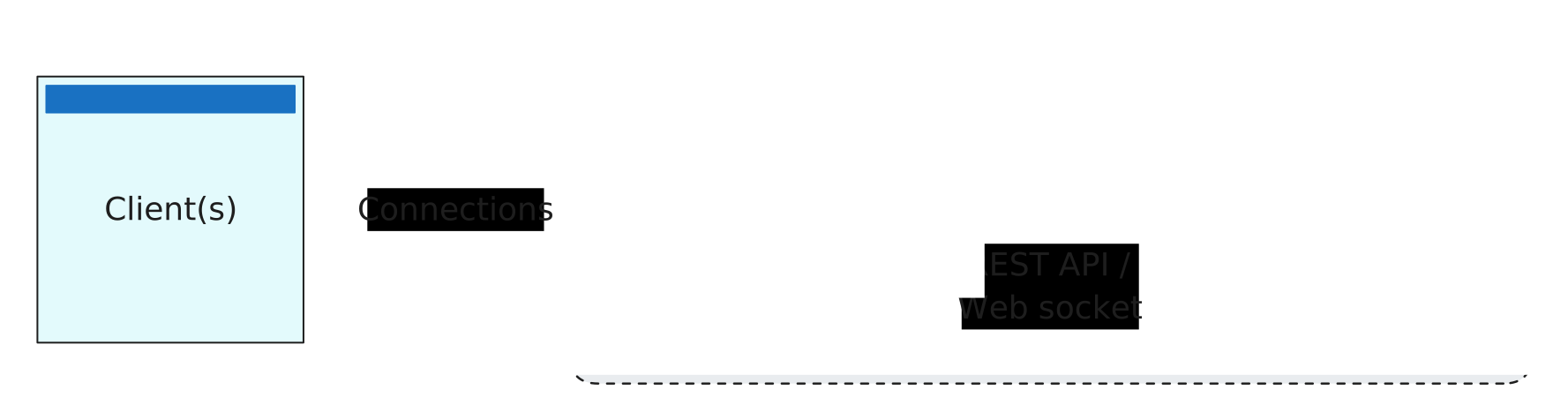
For more information on Serverless mode, see Azure SignalR Service: Serverless mode.
In a project that’s intended to communicate with the Azure SignalR Service, register the appropriate services by calling AddSignalR and then registering the ServiceManager using the signalr connection string and add a /negotiate endpoint:
var builder = WebApplication.CreateBuilder(args);
builder.Services.AddSingleton(sp =>{   return new ServiceManagerBuilder()       .WithOptions(options =>       {           options.ConnectionString = builder.Configuration.GetConnectionString("signalr");       })       .BuildServiceManager();});
var app = builder.Build();
app.MapPost("/negotiate", async (string? userId, ServiceManager sm, CancellationToken token) =>{    // The creation of the ServiceHubContext is expensive, so it's recommended to    // only create it once per named context / per app run if possible.    var context = await sm.CreateHubContextAsync("messages", token);
    var negotiateResponse = await context.NegotiateAsync(new NegotiationOptions    {        UserId = userId    }, token);
    // The JSON serializer options need to be set to ignore null values, otherwise the    // response will contain null values for the properties that are not set.    // The .NET SignalR client will not be able to parse the response if the null values are present.    // For more information, see https://github.com/dotnet/aspnetcore/issues/60935.    return Results.Json(negotiateResponse, new JsonSerializerOptions(JsonSerializerDefaults.Web)    {        DefaultIgnoreCondition = JsonIgnoreCondition.WhenWritingNull    });});
app.Run();
The preceding code configures the Azure SignalR Service using the ServiceManagerBuilder class, but doesn’t call AddSignalR or MapHub. These two extensions aren’t required with Serverless mode. The connection string is read from the configuration key ConnectionStrings:signalr. When using the emulator, only the HTTP endpoint is available. Within the app, you can use the ServiceManager instance to create a ServiceHubContext. The ServiceHubContext is used to broadcast messages and manage connections to clients.
The /negotiate endpoint is required to establish a connection between the connecting client and the Azure SignalR Service. The ServiceHubContext is created using the ServiceManager.CreateHubContextAsync method, which takes the hub name as a parameter. The NegotiateAsync method is called to negotiate the connection with the Azure SignalR Service, which returns an access token and the URL for the client to connect to.
For more information, see Use Azure SignalR Management SDK.